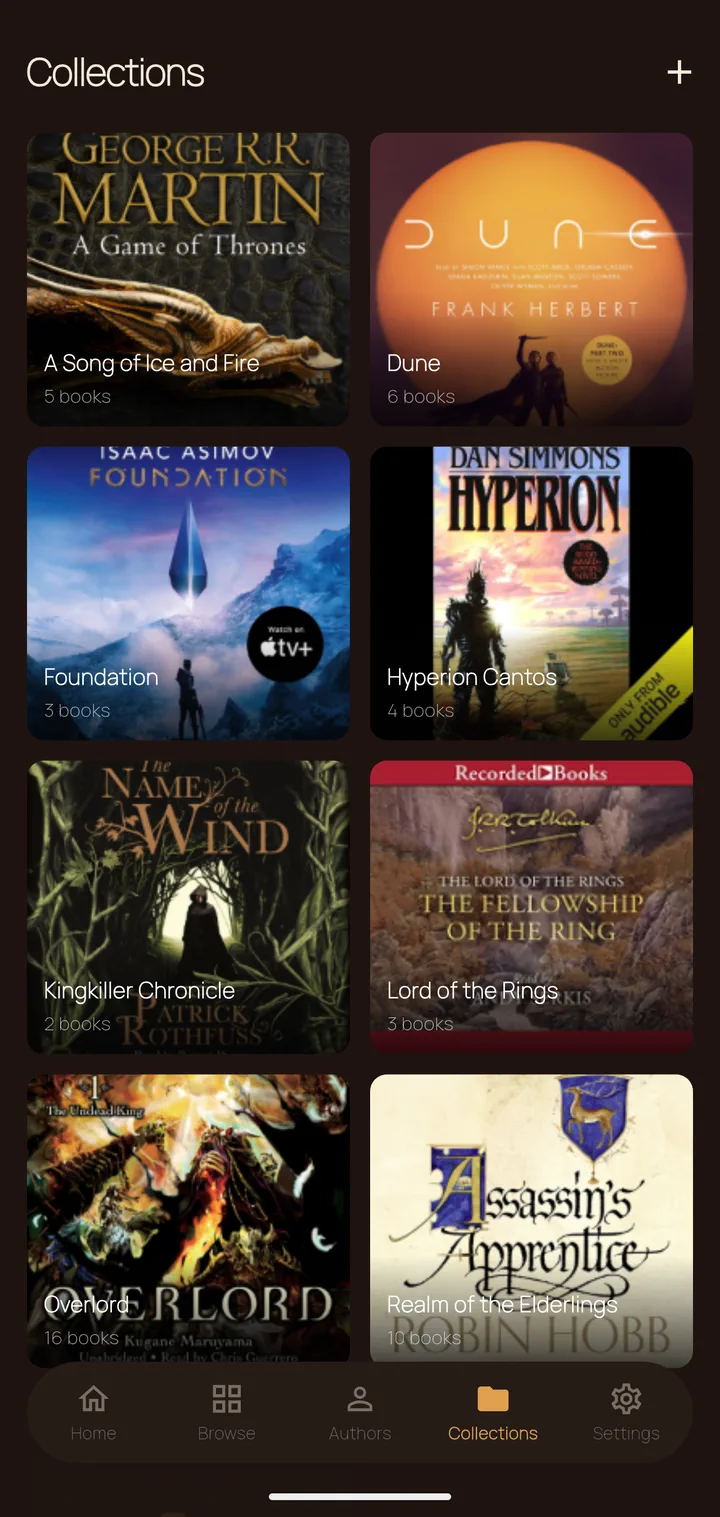
A native Android player for your self-hosted Plex library. Chapter navigation, bookmarks, sleep timer, and three warm themes — no subscription, no telemetry, all yours. Your progress is yours to keep — export and import everything.
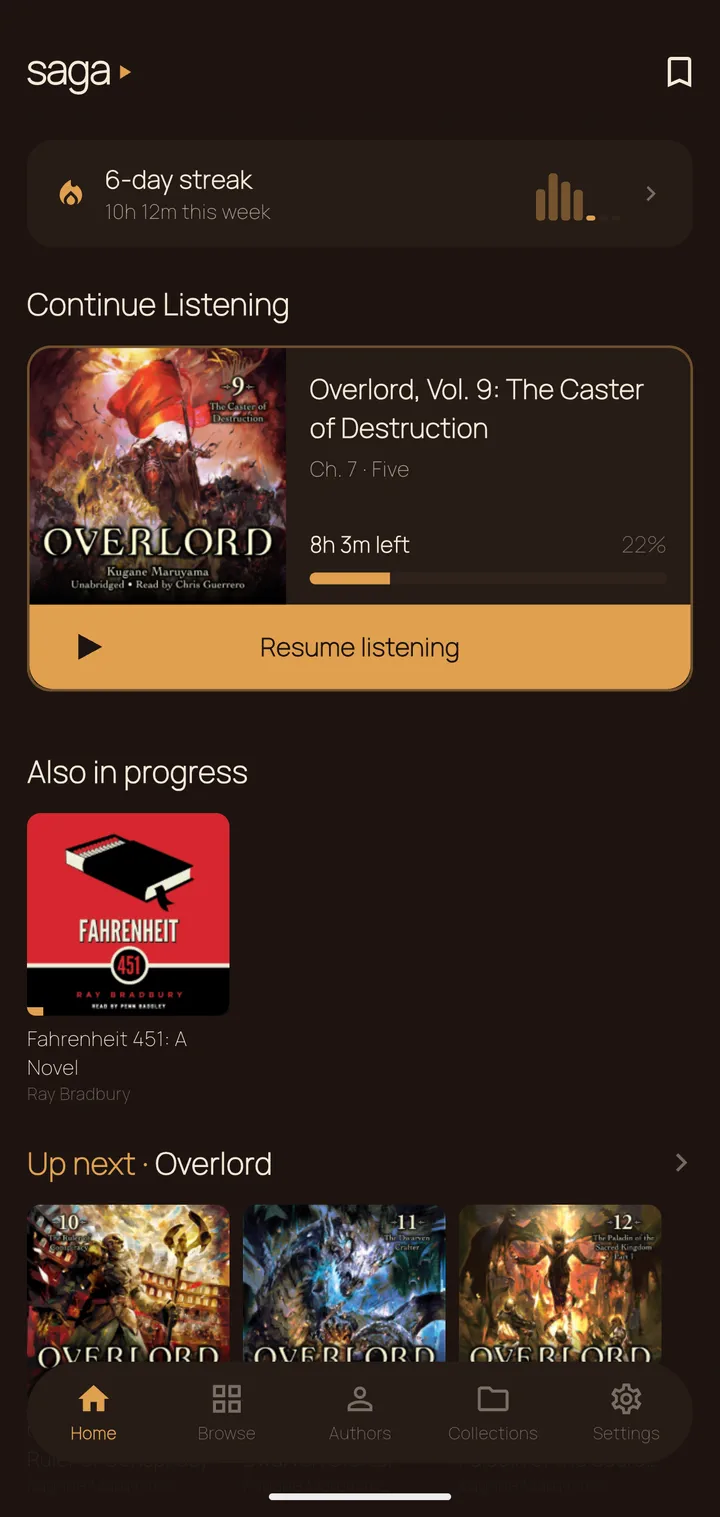
One shape for every state — tap to explore.

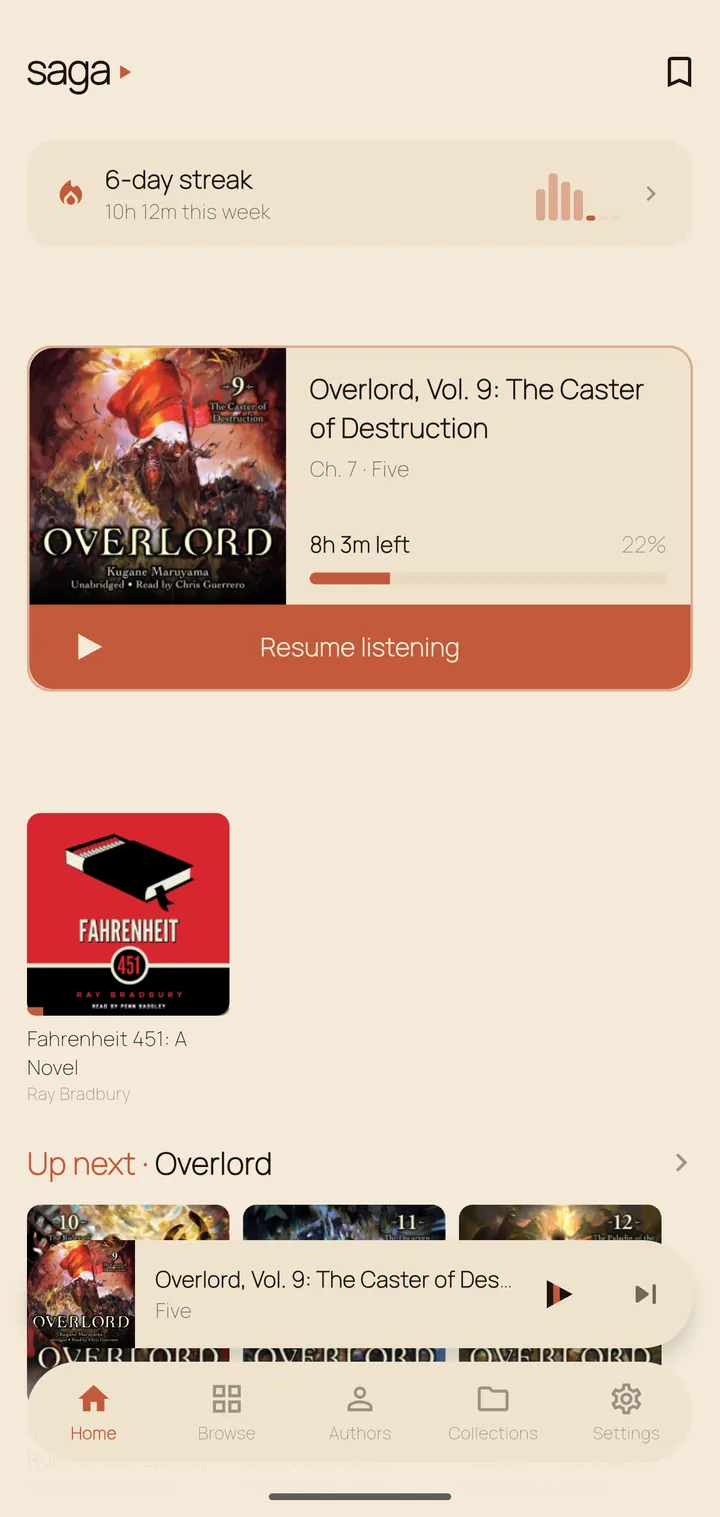
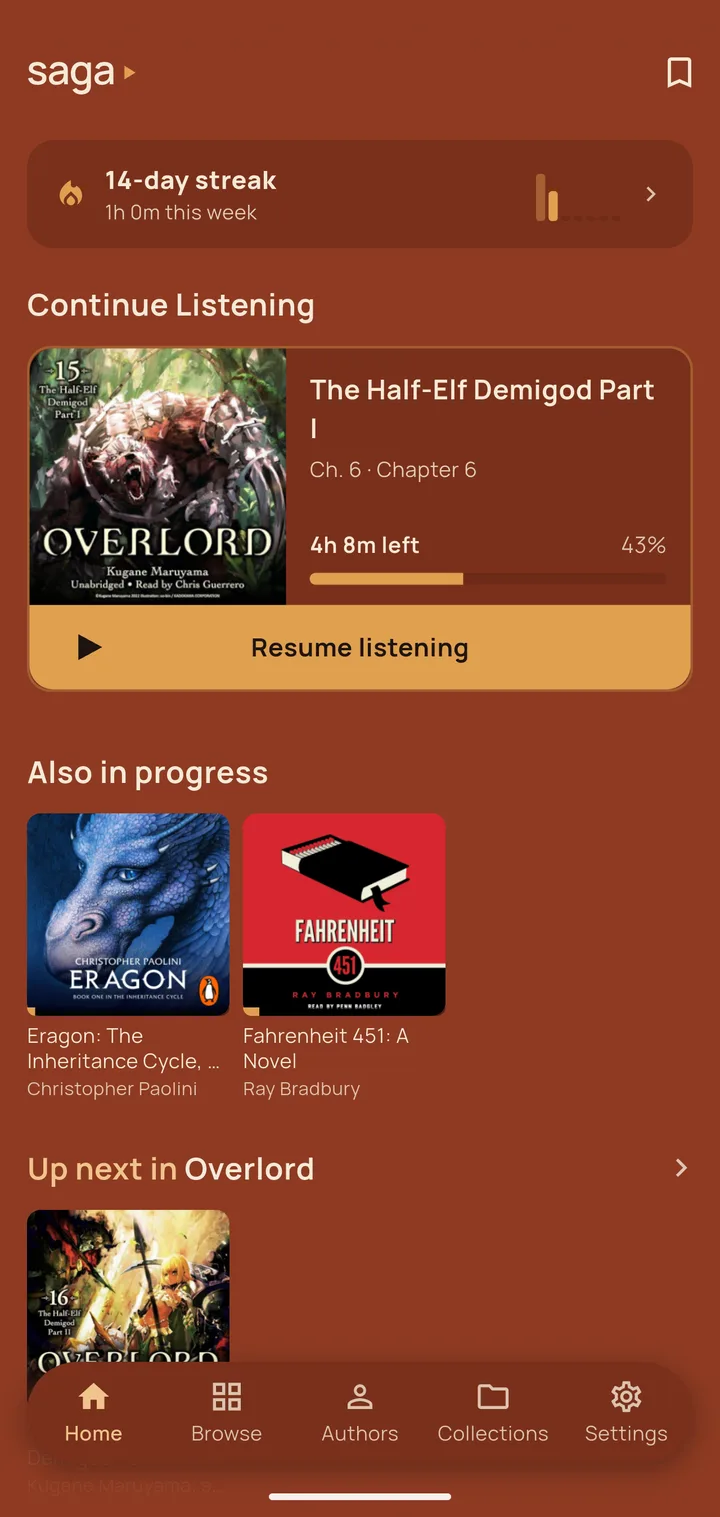
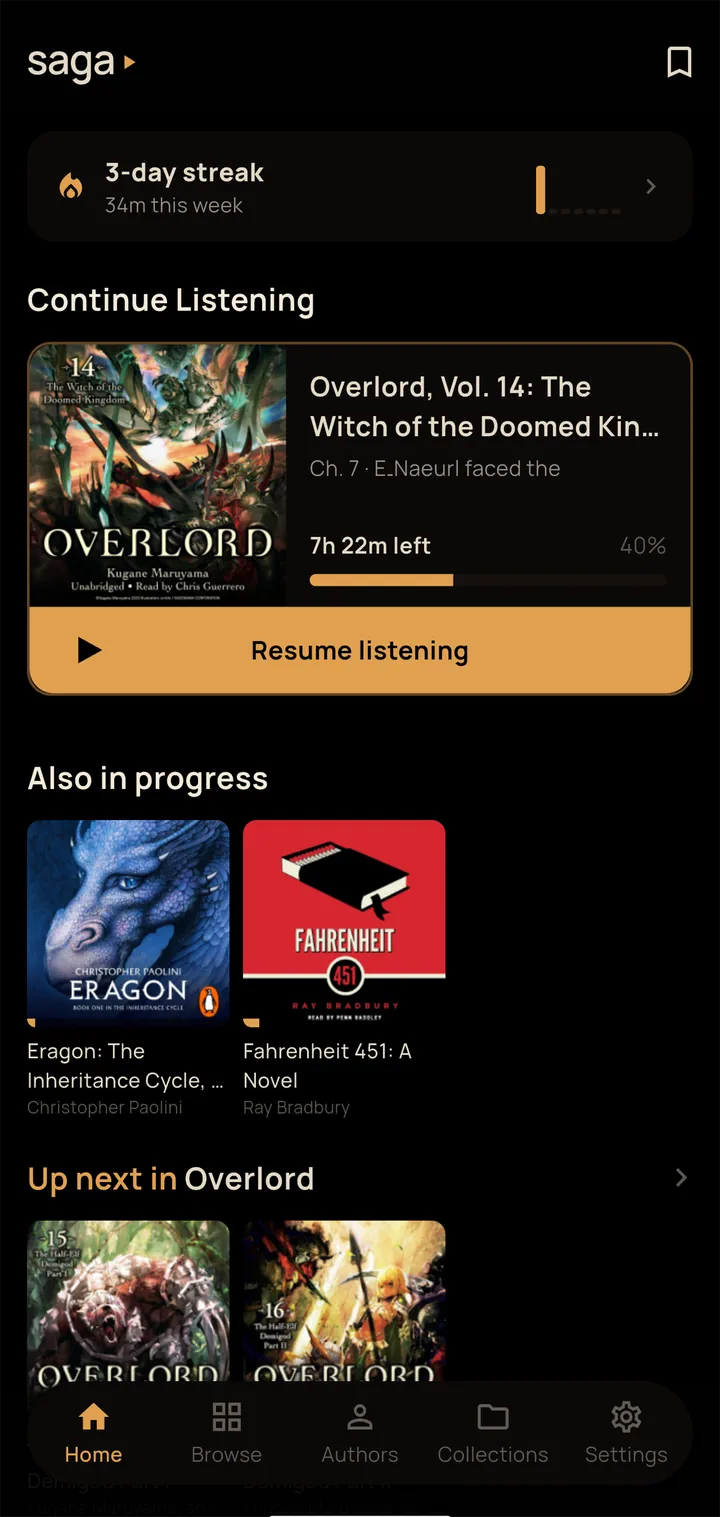
Browse your library, see what’s in progress, and jump back in instantly. Continue Listening and Up Next in Series, always in reach.

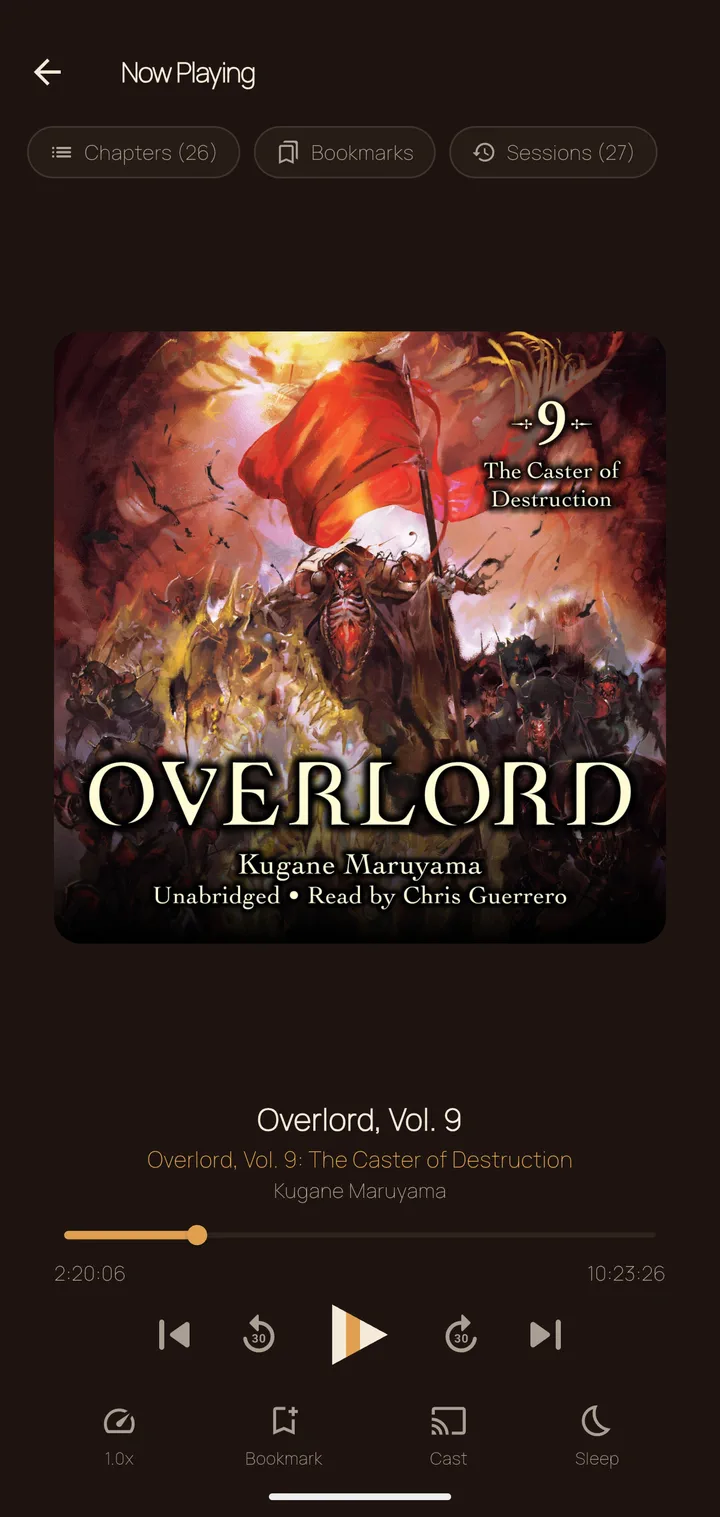
Chapter navigation, named bookmarks, variable speed, sleep timer, and Chromecast — all on one screen. Your place is saved automatically.

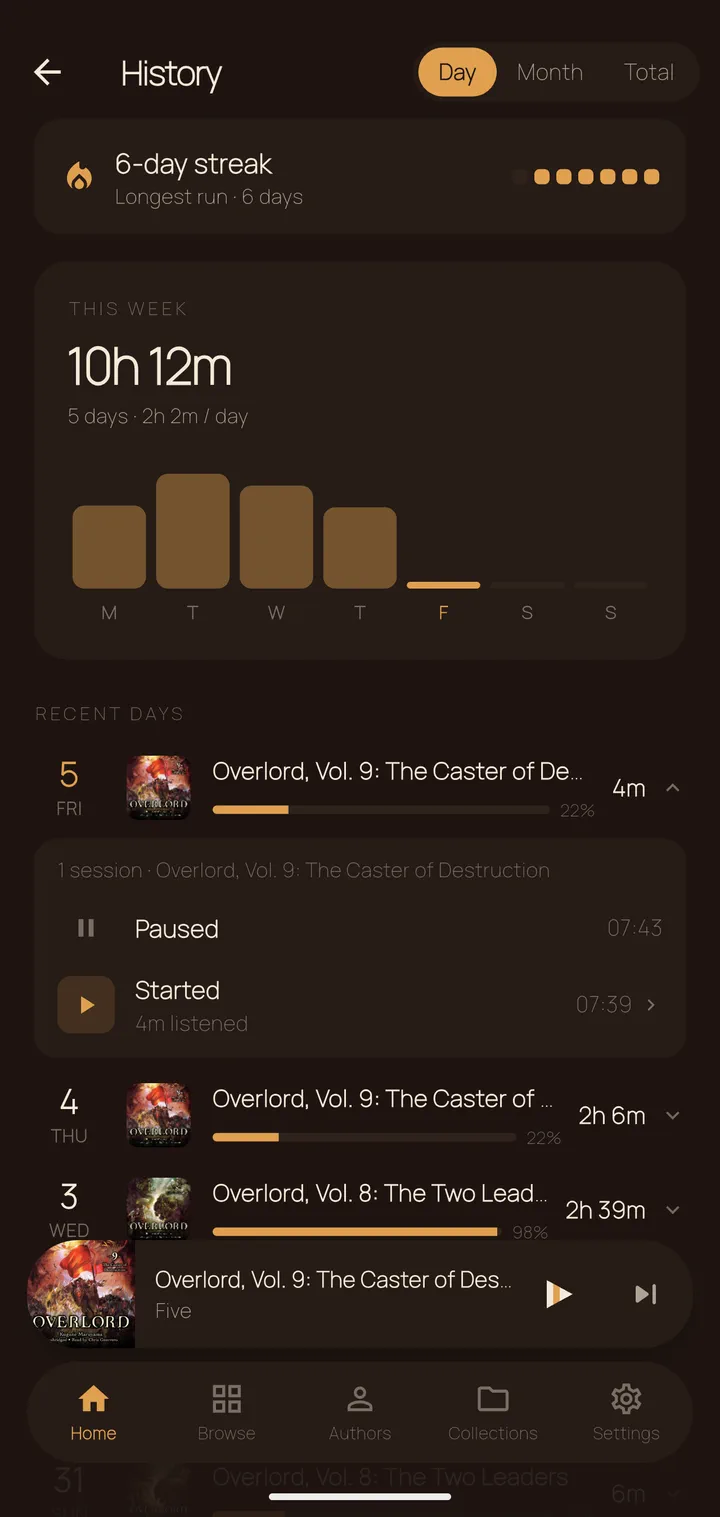
Streaks, heatmaps, and a full session log. Three tabs — Day, Month, Total — so you can see exactly how much you’ve been listening.


On your Android device go to Settings → Apps → Special app access → Install unknown apps and allow your browser or file manager.
Tap the button to open the latest GitHub Release, then download the saga.apk file directly to your device.
Open the downloaded file, tap Install, then sign in with your Plex account. Saga auto-discovers your server on the local network. Remote access works too.
Requires Android 5.0+. A running Plex Media Server with an audiobook library is required.
To update without losing your data, download the new APK and tap Install — Android
preserves your data as long as the app is signed with the same key. Or use
adb install -r saga.apk from a desktop.
Prefer to build from source?
See the README →
No Firebase, no Crashlytics, no tracking SDKs of any kind. The only outbound traffic goes to your own Plex server and plex.tv for sign-in. Nothing else.
Bookmarks, history, and settings are stored in AES-256 encrypted Hive boxes. The key lives in the Android Keystore — never hardcoded, never logged.
android:allowBackup is disabled. Your data cannot be swept into Google cloud backup or extracted via adb backup.
Export all your bookmarks, progress, and listening history to a JSON file at any time. Import it back on a new device or after a reinstall. No credentials are included in the export.